Templates and branding
One style per brand
Build each signature in the block editor from one of six templates and apply the logo, colors and fonts of each brand, while sharing the group’s structure.
For dealerships, dealer groups and workshops
Sales advisors, used-car specialists, service advisors and parts counters email customers all day, across several sites and often several brands. Soniako syncs with Microsoft 365 or Google Workspace to give each of them the right signature: the right brand, the right site, the right department, and a banner for the offer of the week.
Pre-filled demo console · Hosted in the EU · No credit card
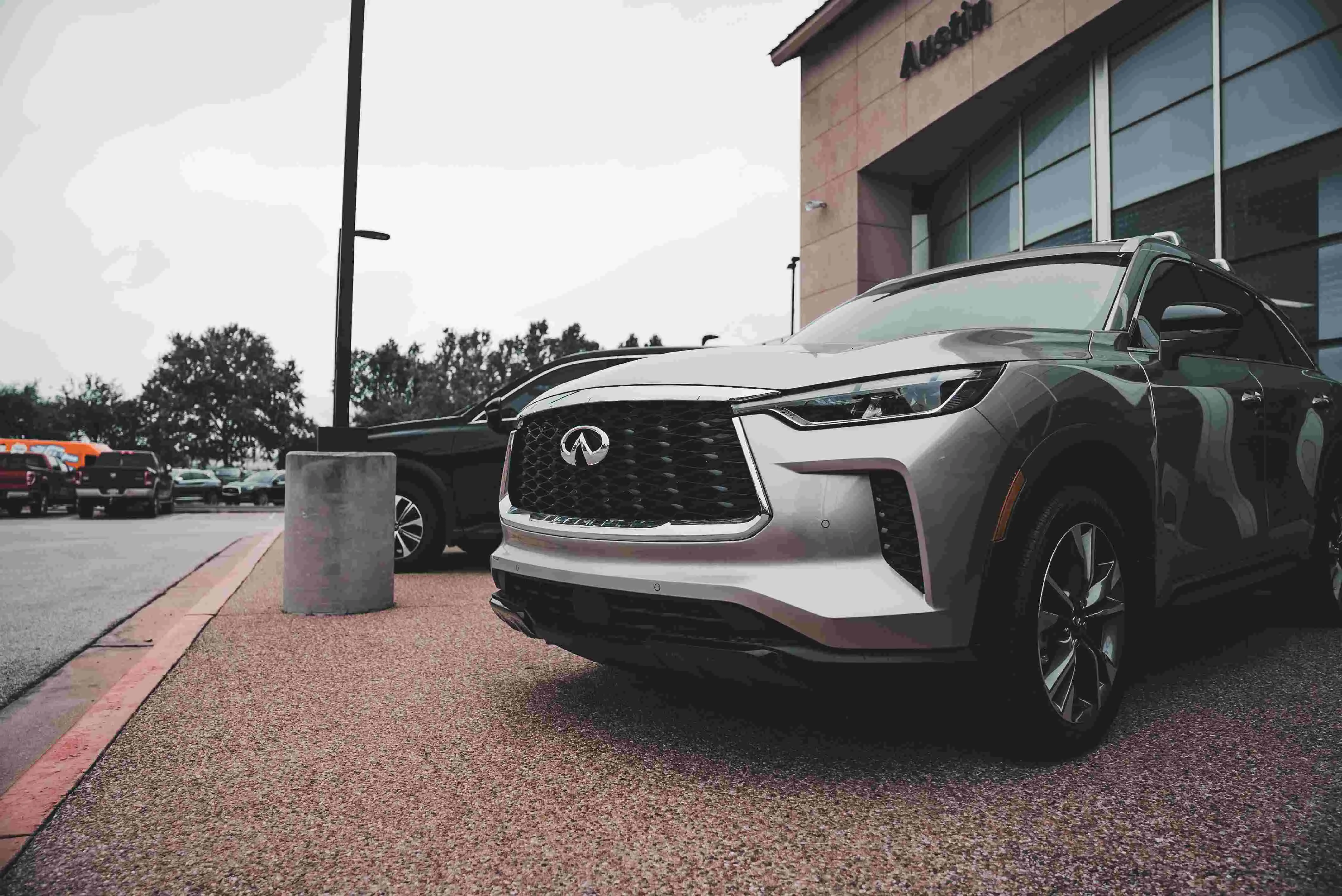
Several brands, several sites and very different jobs under one roof: the signature belongs to nobody, so every site ends up with its own.
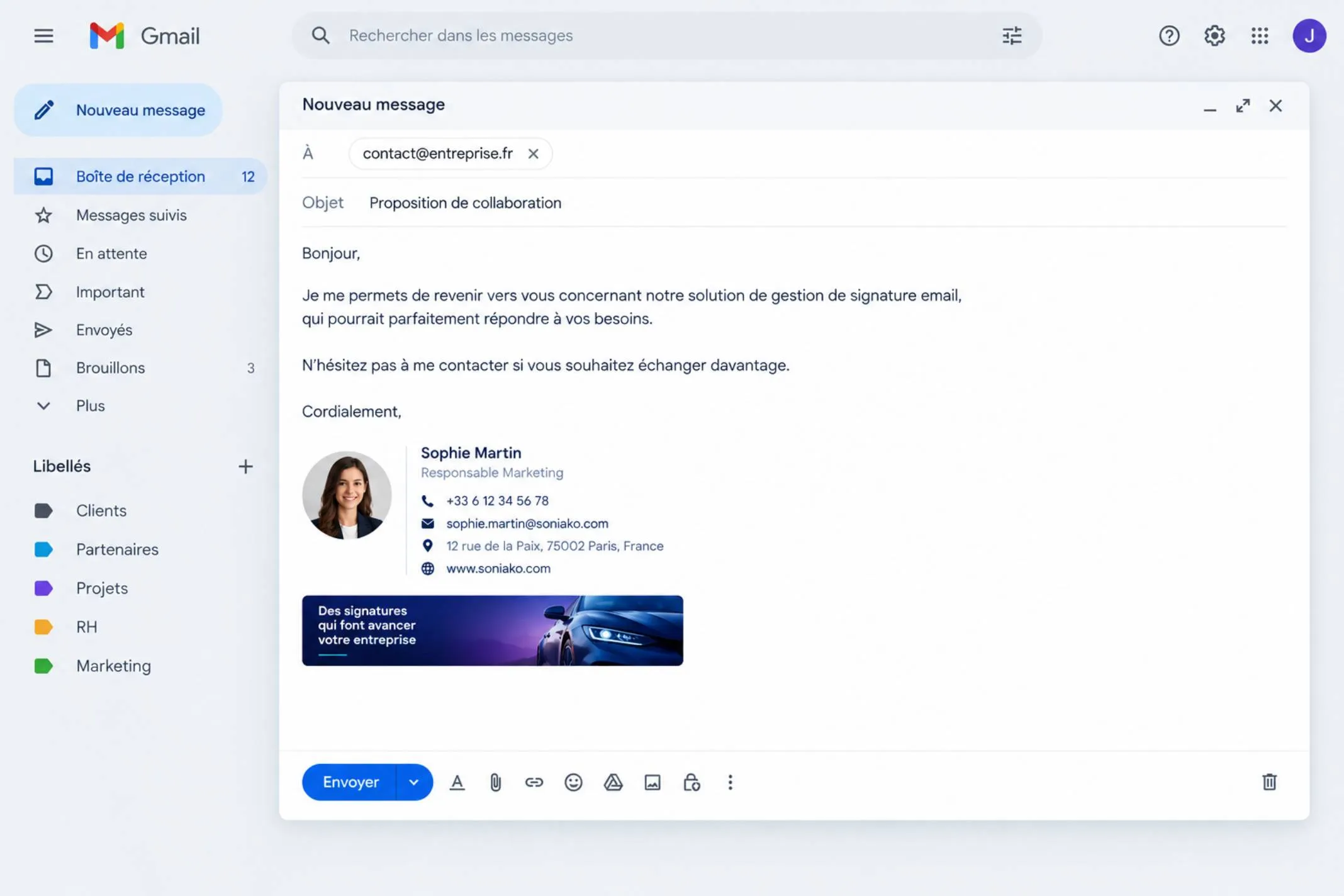
Each brand has its own identity, while the group wants one coherent structure. Today signatures follow whichever site built them.
A new-car advisor, a used-car specialist, a service advisor and a parts counter need different numbers, opening hours and calls to action. A copied signature fits only one of them.
Advisors, technicians and temporary staff come and go, and busy seasons add more. Each change is a signature to create, fix or remove.
A financing offer, a model launch, a tyre-changeover season or a stock clearance: each needs the same link in every advisor’s signature at the same time.
A customer who wants a workshop slot ends up on the sales line, or gets the address of a site the advisor left months ago.
Buying a vehicle means weeks of emails, and the relationship then continues for years through service reminders and appointments.
A quote, a financing proposal, a delivery date, a service confirmation: every one of these messages carries a signature. A precise one (name, department, direct line and the right site address) shows customers who is handling their file and how to reach that person.
Customers also read these emails at exactly the right moment. A scheduled banner can offer a test drive after a quote, a trade-in valuation, a service appointment or a tyre changeover, with no advertising budget.
A complete, consistent signature reassures customers during a large purchase.
Each advisor shows their own site’s address and department details, taken from the directory.
A booking banner puts the next step in front of people who are already engaged.
The same professional structure across every brand and every site.
Design the signatures once, connect your mail system, and the details come from the directory.
Build each signature in the block editor from one of six templates and apply the logo, colors and fonts of each brand, while sharing the group’s structure.
Name, job title, team and contact details come from the Microsoft 365 or Google Workspace directory. When someone changes site or department, the signature follows.
Group people into teams by site, brand or department and give each group the signature and banner that fits its job.
Schedule a clickable banner for a launch, a financing offer or a tyre season, and target it by team or by person (Pro).
Add an “Add to contacts” vCard, a QR code and a booking link: a customer saves the advisor’s number or books a workshop slot in one tap.
Impressions, clicks and click-through rate per campaign, with a day-by-day history: you know which offers catch customers’ attention.
Soniako works with Microsoft 365 and Google Workspace. See the pricing page, or read our guide to email signatures for sales teams.
Directory sync, teams, targeting, analytics and deployment tracking are part of the Pro and Enterprise plans.
Four ways dealerships and groups put the signature to work.
Schedule a banner for a model launch, a financing offer or a stock clearance, target the right teams and replace it when the campaign ends. Clicks show which offers work.
In practice
A new-model banner runs for three weeks on the sales teams, then gives way to a trade-in valuation offer.
Sales advisors show a test-drive link, the workshop shows its opening hours and a booking link. Same brand, different job.
In practice
In October, the after-sales team shows a “Book your tyre changeover” banner while sales keep a test-drive link.
Each brand keeps its own logo and colors while the group’s structure and contact fields stay the same. A rebrand is a single edit.
In practice
Two brands in one group have different logos but the same layout, so customers always find the information in the same place.
Workshops often struggle to hire. A scheduled banner promotes open technician roles to the customers, suppliers and partners your teams already write to.
In practice
A “We’re hiring technicians” banner runs for a month on the after-sales team, with clicks counted.
Set it up once. After that, the directory and your campaigns do the work.
Pick a layout, apply the brand’s logo, colors and fonts, and add the fields that come from the directory.
Link Microsoft 365 or Google Workspace. People, groups and profile photos sync on their own.
Group people by site, brand and department (sales, used cars, after-sales, parts) and give each group its signature and banner.
Edit once, and every signature rebuilds. Rollout tracking shows who is up to date.
An illustrative scenario: a dealer group with two brands and six sites, selling new and used vehicles and running its own workshops, on Microsoft 365.

Before Soniako
With Soniako
Illustrative scenario, not a customer case study or a statistic. A company of this size falls under the Enterprise plan.
Four capabilities that matter when brands, sites and departments overlap.
Apply each brand’s logo, colors and fonts while sharing one group structure.
Titles, sites and contact details come from the directory you already maintain.
Run an offer between two dates, target it by team, and track impressions, clicks and click-through rate.
See each person’s signature and whether it is up to date or pending.
Open the demo console to see a signature with a workshop or test-drive banner, or request a demo and we’ll walk through your brands and sites together.
Free up to 5 people. No credit card.
It’s the centralized management of every employee’s signature, instead of letting each advisor build their own. For a dealership or group, that means a consistent layout across brands and sites, details taken from the directory and a schedulable banner for offers.
Yes. Group people into teams by brand, site or department and assign each a template. Soniako fills in each person’s details from the directory and deploys the signature to their mailbox. Multiple teams and targeting are part of the Pro plan.
Yes. Each team can have its own signature, with its own number, opening hours and booking link, and its own banner, such as a test drive for sales or a workshop slot for after-sales.
Yes. Schedule a clickable banner between two dates, link it to a booking or offer page, and target the teams that should show it. You then see impressions, clicks and click-through rate.
Yes. On Google Workspace, Soniako writes the signature directly into Gmail once an administrator has authorized it. On Microsoft 365, a Soniako add-in is deployed once from the admin center and delivers the signature in Outlook.
There’s a free plan for up to 5 people, a Pro plan billed per person up to 200 people, and an Enterprise plan quoted for larger groups. See the pricing page for current prices.
Thousands of seats, client programs and constant hiring: a signature that keeps up.
Read more
Agents, offices and listings: consistent signatures and a banner for every property launch.
Read more
Support, engineers and pre-sales on one consistent signature, synced from your directory.
Read more
Partners, practices and offices on one signature, with room for your latest ideas.
Read more
An on-brand signature for every team, and a banner slot for your case studies and new services.
Read more
Marketing
Why the email signature banner is an underused marketing channel, how to schedule, target and measure it, and how to make it perform without annoying anyone.
4 min read
Deployment
A concrete plan to roll out consistent email signatures company-wide: scoping, data, design, pilot, deployment and follow-up, with who does what.
3 min read