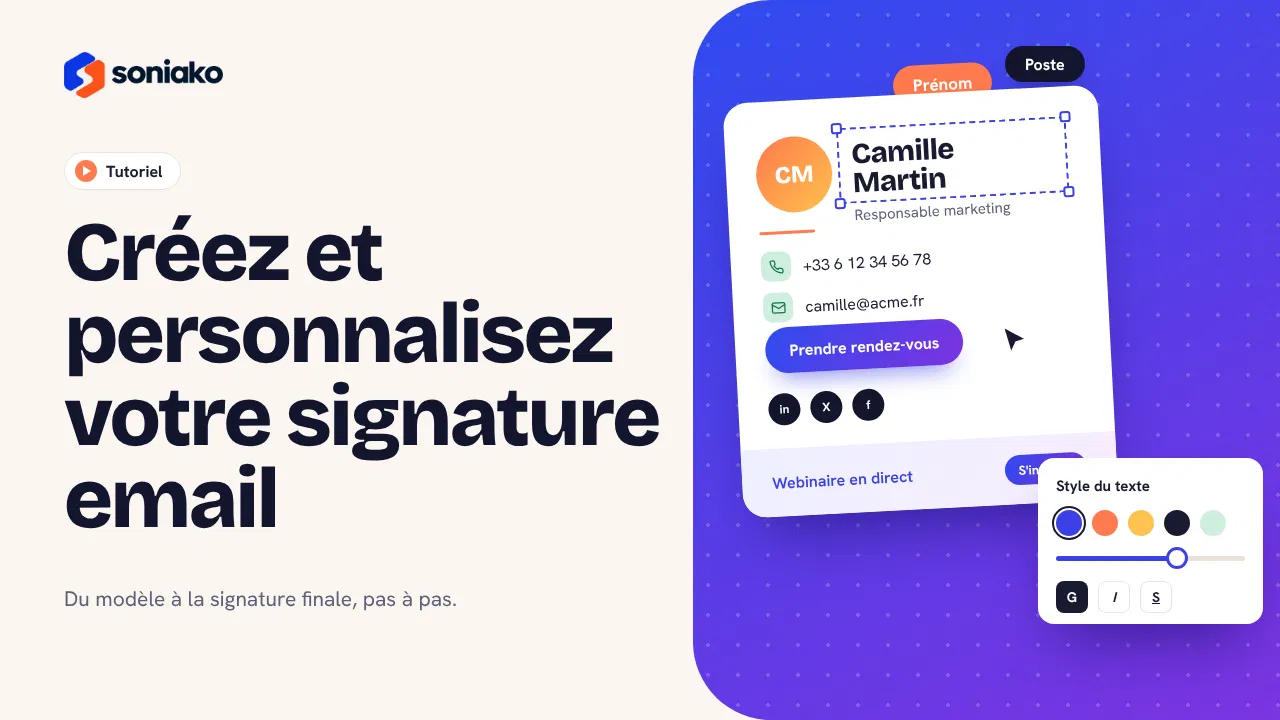
Create a professional signature
Explore the editor, the templates and the customization options for email signatures.
Tutorials
Discover how to create, customize and deploy professional email signatures from a single platform.
From first look to full deployment: get to grips with Soniako step by step.
Explore the editor, the templates and the customization options for email signatures.
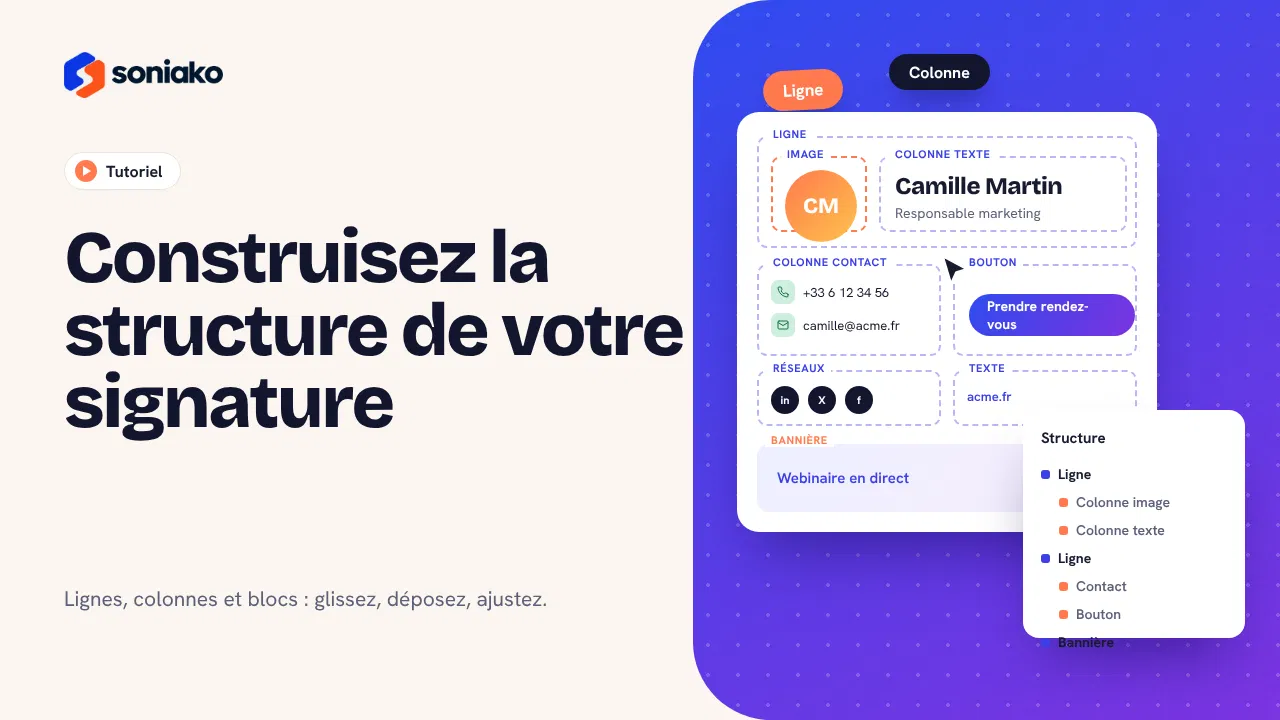
Learn how to organize blocks, dynamic fields and the layout of your signatures.
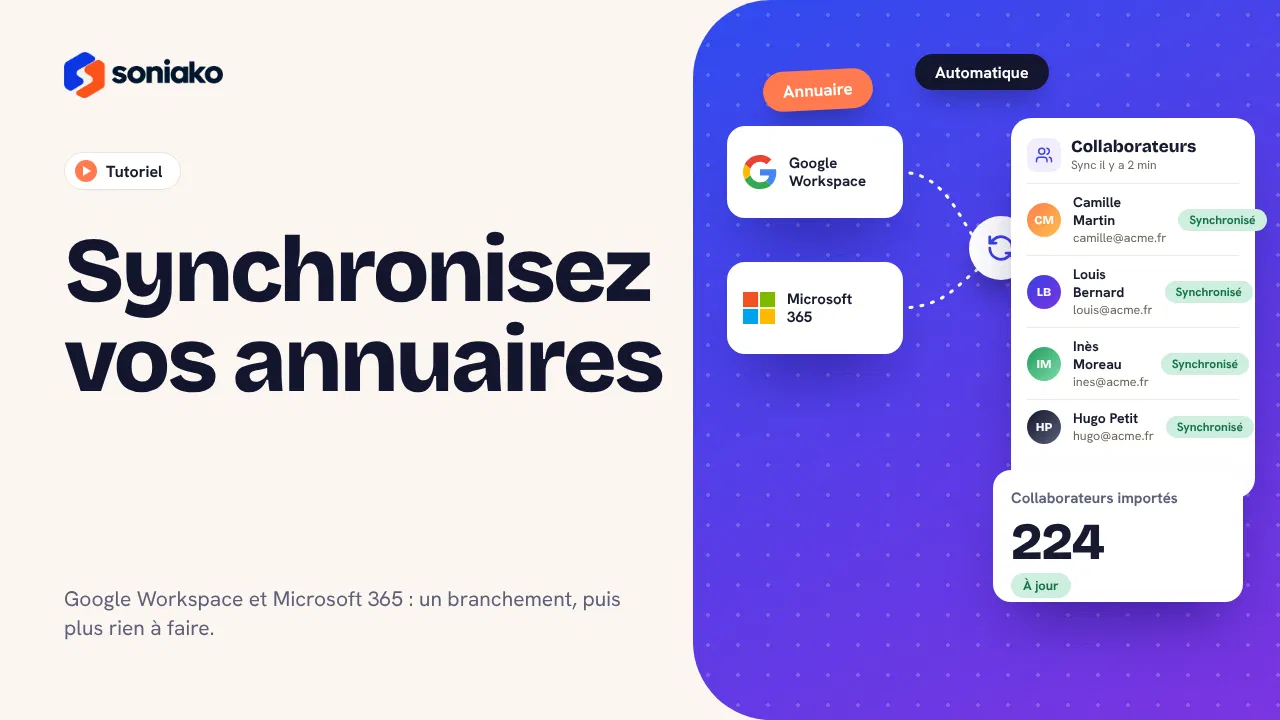
Learn how to synchronize your directory to automatically feed your team members’ signatures.
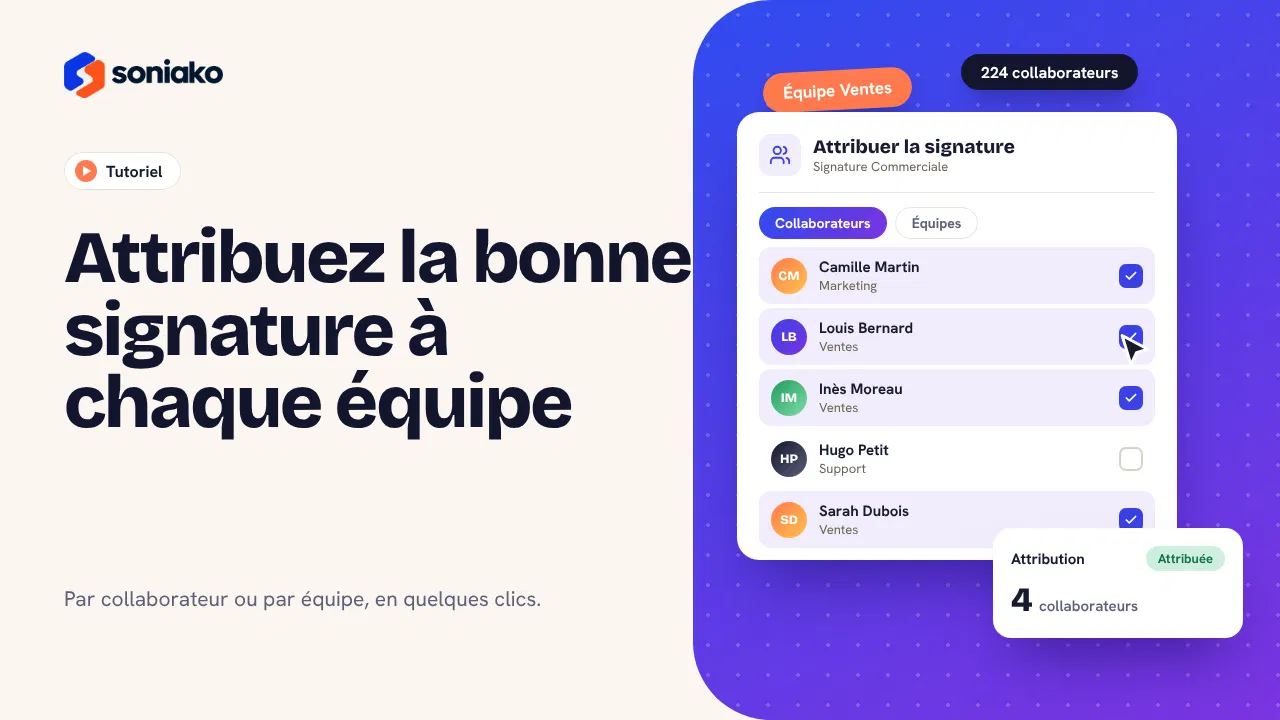
Learn how to assign signatures to users, teams and groups.
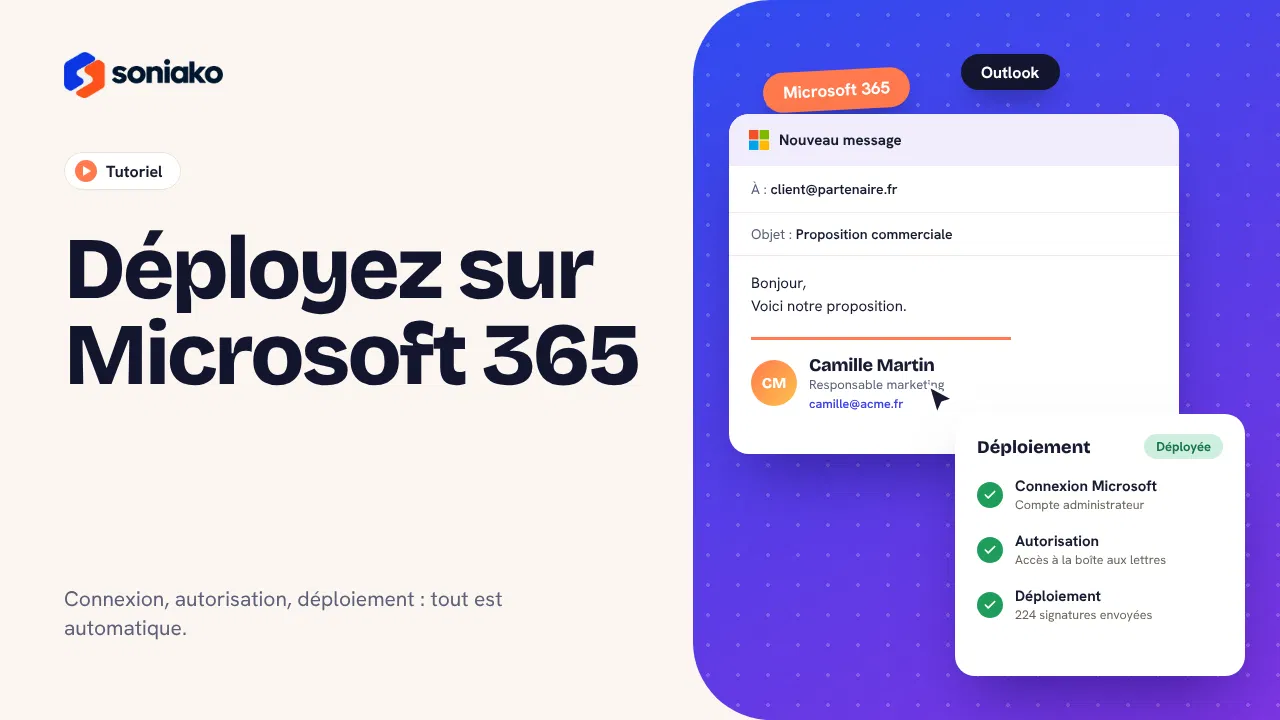
Walk through the steps to connect and deploy signatures in a Microsoft 365 environment.
 Coming soon
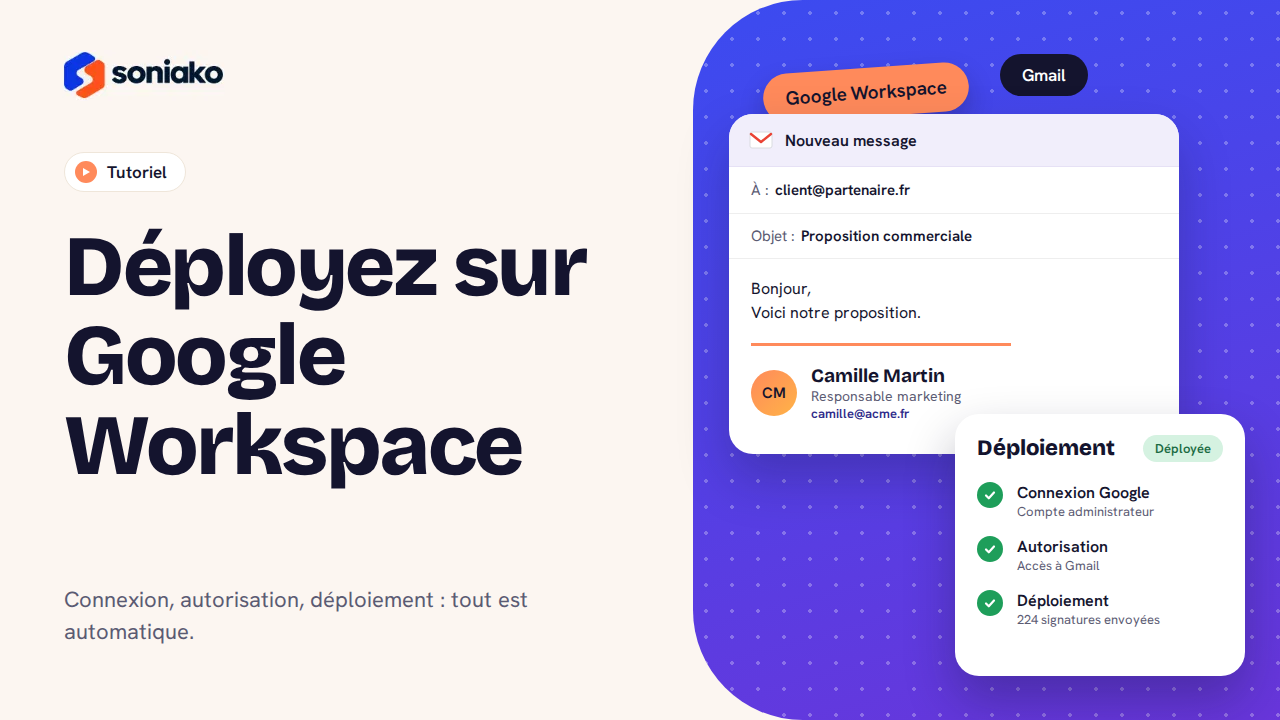
Learn how to connect Google Workspace and deploy your organization’s signatures.
See how Soniako can help you centralize and deploy your teams’ signatures.